What is Phototshop?
Photoshop is a software program available as part of the Adobe Creative Cloud. Its primary functions include editing, enhancing, and creating digital images from scratch. The program has a wide range of impressive capabilities. Creative professionals across nearly every industry can use Photoshop to design anything from graphics for social media, logos, and the interface of an entire website!
Why learn Phototshop?
- Photoshop is used in many industries for more than photo editing—it’s key for creating social media graphics, logos, and website designs.
- Proficiency in Photoshop can open careers in Graphic Design, Digital Design, UI Design, and Web Design.
- Freelancing helps users improve their skills, earn income, and expand professional connections.
- Photoshop is also central to the National Certification III in Visual Graphics Design, which supports career growth and higher earning potential.
Careers in Photoshop
- Graphic Design: These professionals create images that quickly communicate messages or establish a brand. Using Photoshop, they design logos, social media content, and advertisements. Graphic Designers can work freelance or for a company.
- Digital Design: Often confused with Graphic Design, this field focuses on dynamic visuals like animation, 3D modeling, and interactive media. Digital Designers use Photoshop to enhance visuals and convey messages creatively.
- User Interface (UI) Design: UI Designers craft the look and feel of websites and apps. They use Photoshop to design appealing, accessible interfaces, including static visuals and simple animations.
- Web Design: Combining creativity and coding, Web Designers use Photoshop to build optimized visuals, animated GIFs, and website mock-ups. This helps them refine designs easily before coding.
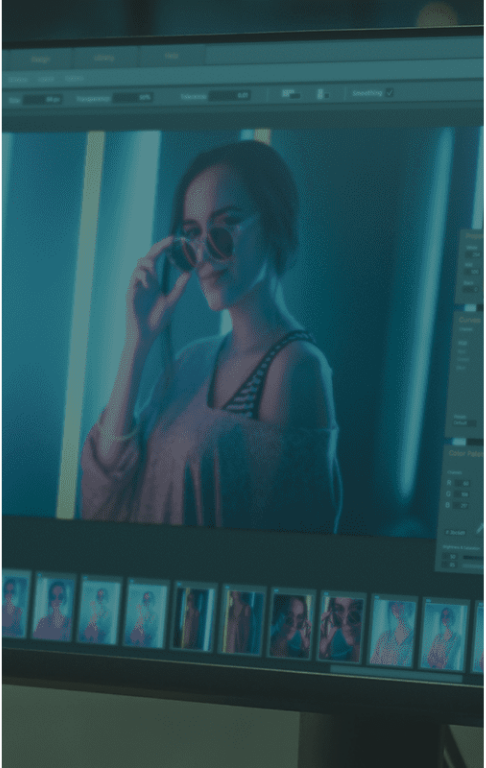
Core tools of Photoshop
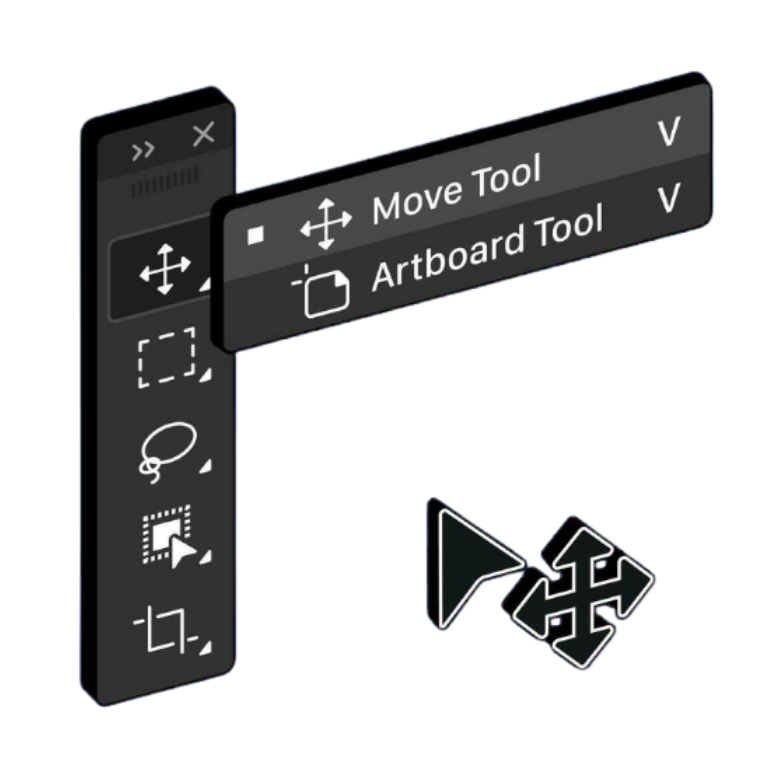
Move Tool
Used to position selected content or layers by clicking and dragging. It can move entire layers or, if a selection is active, just the selected pixels within that layer.
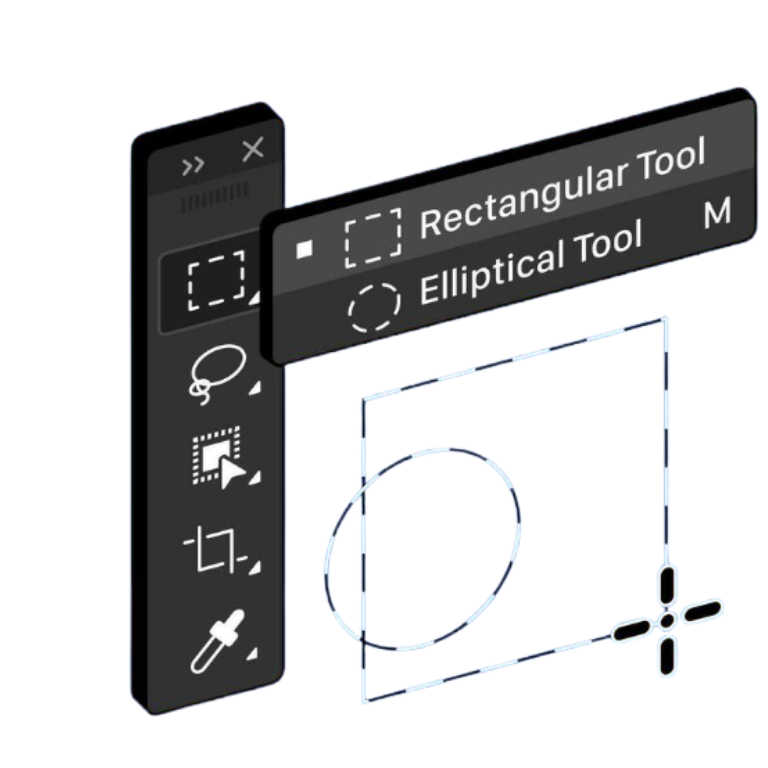
Selection Tools
used to isolate specific parts of an image so you can apply edits, adjustments, filters, or other effects to that area without affecting the unselected regions. This isolation is often represented by an animated border known as "marching ants".
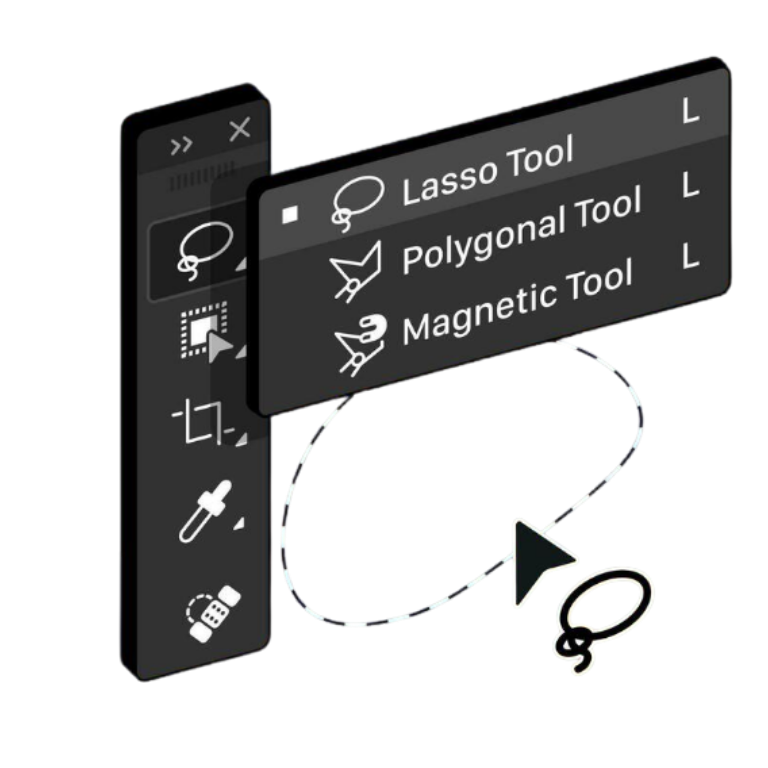
Lasso Tool
a selection tool used to draw freehand outlines around objects, creating a selection border that can be used to isolate parts of an image.
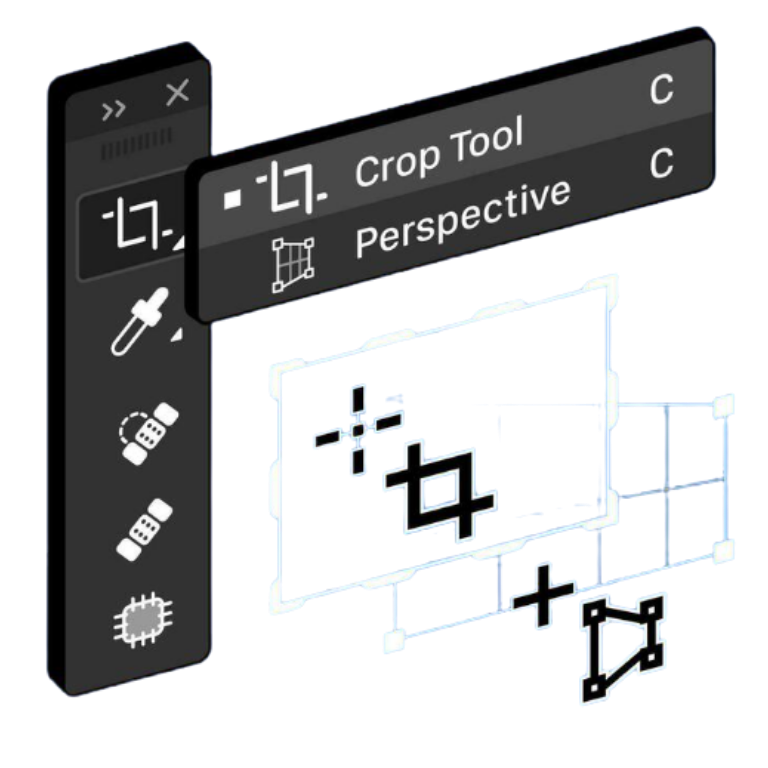
Crop Tools
used for trimming or cutting back the outside edges of an image. It lets you select a specific area, often with a set aspect ratio or size, and discard or hide the pixels outside that selection to improve composition or change dimensions.
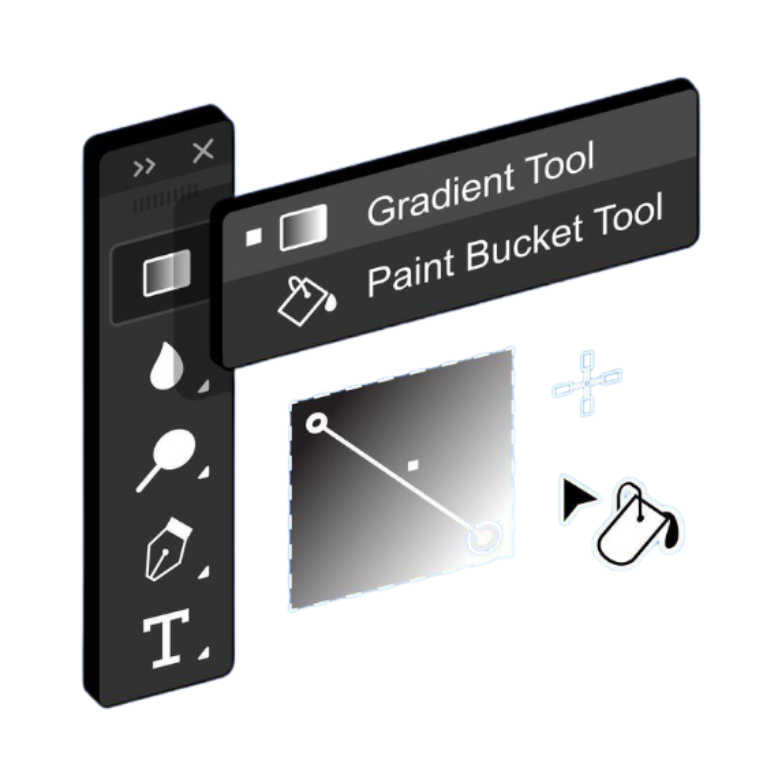
Gradient Tool
used to create a gradual, smooth blend or transition between two or more colors within a selected area or layer. This effect adds depth, dimension, and visual interest to images or designs.